Surveys
How to Create a Post-Event Feedback Survey
When to send a feedback survey for conferences, seminars and internal events, how to keep it short, how to collect responses with a QR code and how to interpret the results.
Once an event is over, impressions fade quickly. The most reliable way to find out what attendees liked, what they felt was missing and whether they'll come to the next event is a short feedback survey sent at the right time. This guide explains how to design, distribute and evaluate a feedback survey for conferences, seminars, training sessions, launches and internal events.
Why does a feedback survey matter?
- It improves the next event: It gives you concrete data on the venue, content, length and organisation.
- It evaluates speakers and content: It shows which sessions attracted interest.
- It makes attendees feel valued: Attendees who are asked for their opinion feel part of the process.
- It provides reports for stakeholders: It lets you show the event's results to sponsors, management or clients.
Timing: when should you ask?
In feedback, timing directly affects the response rate.
| When | Advantage | Watch out for |
|---|---|---|
| During the event (end of a session) | Impressions are fresh and attendees are in the room | Must be very short, 1–3 questions |
| At the close of the event | The whole experience can be rated | Attendees are about to leave; it must be quick |
| Within 24 hours after the event | Attendees answer more thoughtfully | Needs a reminder by email or message |
| One week later | Measures the lasting impact of the event | Response rates usually drop |
In practice, the best results come from a two-stage approach: a very short survey via QR code in the room, and a slightly more comprehensive survey by email the day after the event. If you don't want to send two separate surveys to the same attendee, you can offer a single short survey via QR code at the close and send a reminder the next day.
Feedback via QR code in the venue
Since attendees already have their phones with them, a QR code is the most practical way to collect feedback in the room.
- Put it on the closing slide: Give attendees a minute while the last speaker shows the code on screen.
- Print it on table tents and exit boards: People can scan it as they leave the room.
- Add it to the back of the name badge: Attendees can open the survey whenever they like.
- Write the time needed next to the code: A phrase like "1-minute feedback" increases participation.
- Print it large enough: Keep the code large on boards that will be scanned from a distance. For print sizes, see our QR code print size guide.
- Test the internet connection: If mobile data is weak in the venue, provide Wi-Fi details for attendees.
Designing a short form
The most common mistake in event surveys is making the form too long. After an event, attendees don't want to spend more than a few minutes.
Suggested structure
- Overall satisfaction: How would you rate the event overall? (1–5 score)
- Content: Did the sessions meet your expectations? (1–5 score or a per-session matrix)
- Organisation: Short ratings for the venue, registration process, catering and timing
- Recommendation: Would you recommend this event to a colleague? (NPS-style question; for details, see our guide what is NPS)
- Open-ended question: What would you like us to do differently at the next event?
- Optional: Would you like to hear about future events? (clear, optional marketing consent; check the consent rules in the applicable legislation before sending marketing messages)
These questions are general examples; adapt them to your type of event. For an in-room survey, choose no more than three questions from this list.
Form design tips
- Make most questions closed-ended: Rating and single-choice questions are answered quickly.
- Add no more than one or two open-ended questions: Don't make them required.
- Keep the scale consistent: Use the same range for all ratings.
- Use conditional questions: Ask attendees who give a low score "What was missing?"; let those who give a high score skip this question.
- Test on a phone: Most attendees will fill in the form on their phone.
Focus areas by type of event
Not every event needs the same questions. Adjust the focus of the survey to the purpose of the event:
| Type of event | Key topics |
|---|---|
| Conference and seminar | Speaker quality, depth of content, session length |
| Training and workshop | How applicable the learning is to work, the trainer, materials |
| Product launch | How clearly the product came across, level of interest, purchase intent |
| Internal event | Ease of attending, communication, team spirit |
| Trade show stand | Stand experience, product interest, requests for contact |
| Online event | Connection quality, platform usability, interaction |
For online events, it's more practical to share the survey link in the chat and show it on the final screen rather than using a QR code.
Anonymous or identified?
| Option | When is it suitable? |
|---|---|
| Anonymous | Honest feedback is the priority; internal events, training sessions |
| Identified | You want to get back to attendees; customer events, launches |
Remember that in identified surveys you are collecting personal data. Explain why the information is being collected and comply with the applicable legislation, such as the GDPR.
Analysing the results
- Look at the overall picture: What are average satisfaction and willingness to recommend like?
- Examine the breakdowns: Which sessions got the highest and lowest scores?
- Group the open-ended answers: Identify recurring themes (sound system, length, catering, depth of content).
- Focus on the reasons for low scores: Answers from conditional questions are very valuable here.
- Compare with previous events: If you use the same questions, you can track the trend.
- Share and decide on actions: Hold a short review meeting with the organising team and choose concrete improvements for the next event.
Get back to attendees
Sending a short thank-you message to attendees who completed the survey, and announcing at the next event what you changed based on the feedback, increases participation in future surveys. A concrete sentence such as "Last time you told us the sessions were too long, so this year we've shortened them" shows attendees that their views were taken into account.
Common mistakes
- Sending the survey weeks later
- Wearing attendees out with a 20-question form
- Making all open-ended questions required
- Putting the QR code somewhere small and hard to scan
- Collecting the results and sharing them with no one
Event feedback surveys with EcoQrCard
With EcoQrCard's survey system, you prepare your event survey using the drag-and-drop editor. You can use rating (in star, number or like/dislike style), multiple choice, matrix, yes/no and open-ended question types. By setting an end date and a maximum number of responses, you control when the survey closes.
To show the "What was missing?" question only to those who give a low score, use skip logic: put the follow-up question on a separate page by adding a Page Break before and after it, tick Enable Skip Logic on the rating question and, for example, with the condition "greater than 3", use Skip to page to jump to the page after the follow-up question. That way, people who give a high score don't see this question.
Once the survey is published, you can download the code with DOWNLOAD QR CODE (PNG) on the survey details page and print it on the closing slide, table tents or name badges. If you want a code with your logo and a frame, create a code of the survey type in the QR Generator that points to your survey link, and download it with the PNG button under the Live Preview on the edit screen. In dynamic mode, you can also see how many times this code was scanned in QR Statistics.
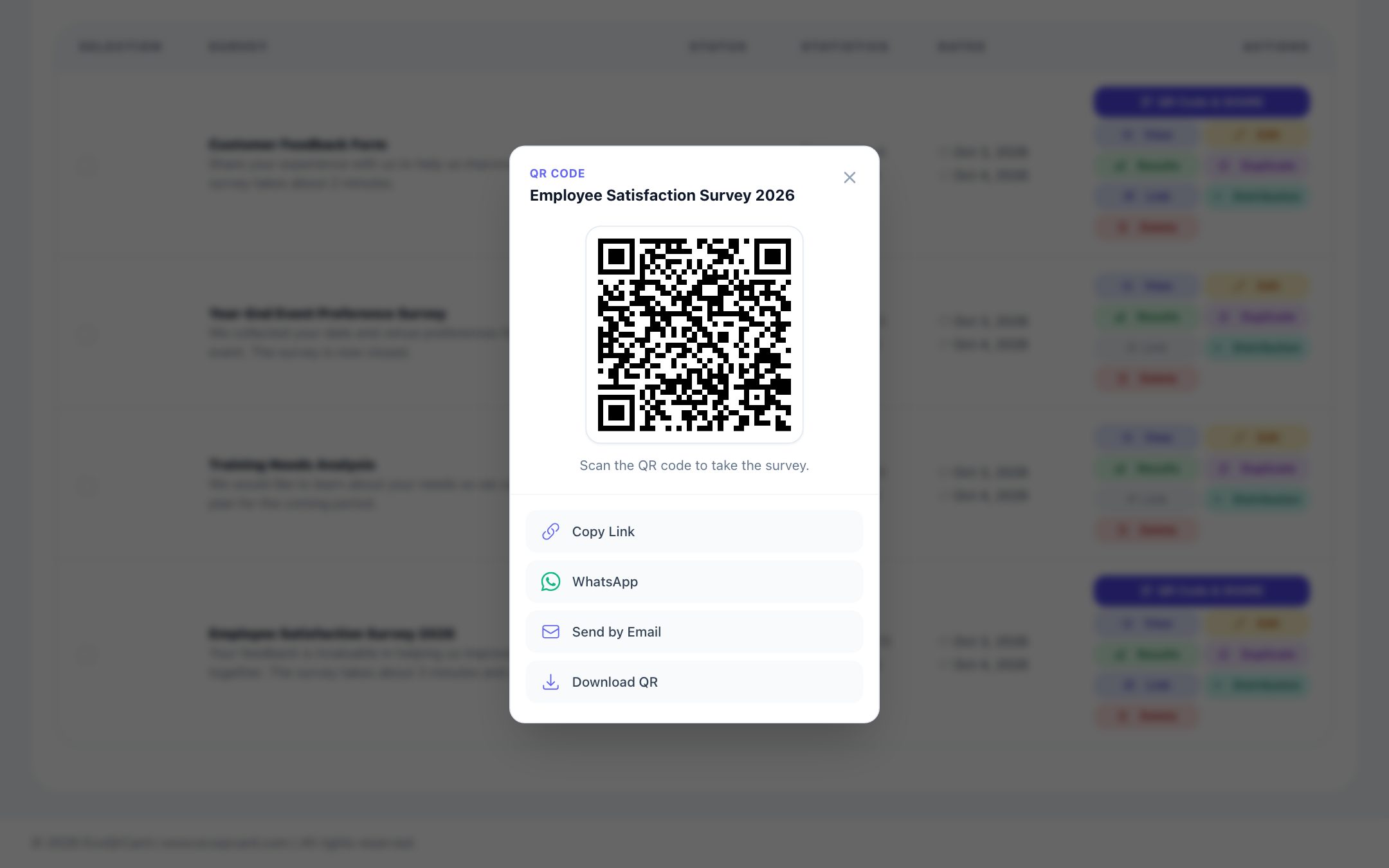
For the post-event email, you can upload the participant list via Excel and send the invitations through your company's mail server; this requires the company administrator to have configured the SMTP settings. When you add people to the distribution list of a non-anonymous survey, only the email addresses on the list can take part; if you also want to collect responses via a public QR code in the room, take this into account when planning. In an anonymous survey, whether the people on the distribution list have responded is not tracked; you send the next-day reminder to the whole list. In an identified survey, the status of invited people is tracked as Invited, Started and Completed, so you can send reminders only to those who haven't finished yet.
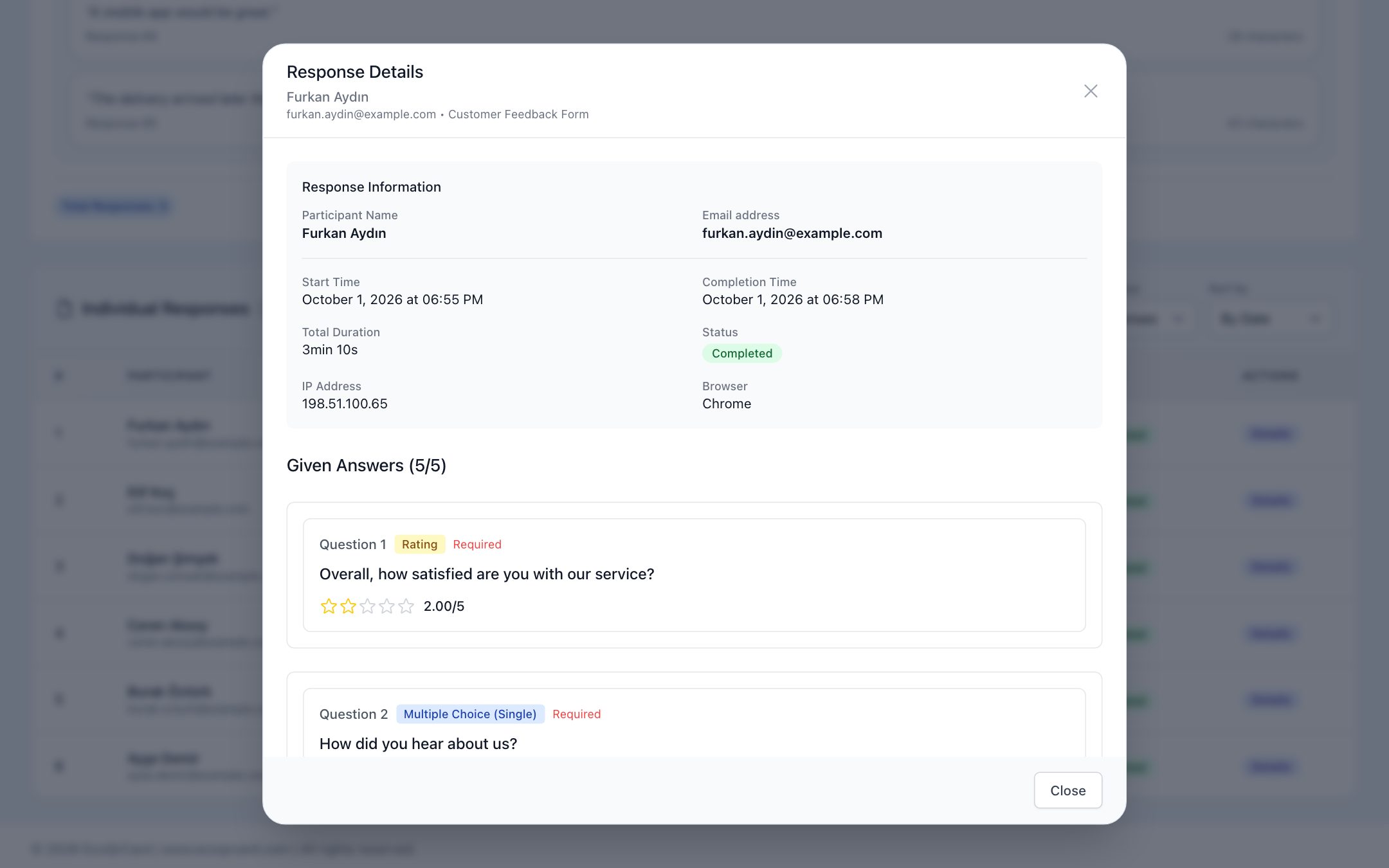
The results screen shows total responses, the completion rate, the average completion time and the distribution of responses by day. You can choose the chart type for each question and explore open-ended answers with a word cloud and an approximate sentiment analysis. To present to management or sponsors, you can generate a printable report and save it as a PDF.
If you also want to use your team's digital business cards at the event, take a look at our guide to digital business cards at trade shows and events.
To collect feedback via QR code at your next event and track the results from a single panel, fill in the quote request form and we will plan the setup together.
Frequently Asked Questions
How many questions should an event survey have?
1–3 questions for a survey offered via QR code in the room, and 5–10 questions for a survey sent by email after the event, are usually enough. As the number of questions increases, the completion rate drops.
When should I send the survey?
The best results usually come from a QR code during the event or at the close, or from an email within 24 hours after the event. When impressions are fresh, answers are clearer and more numerous.
Where should I put the QR code in the venue?
The closing slide, table tents, exit boards and name badges are the most effective places. Write what the code is for and how long it will take next to it.
How do you evaluate individual sessions?
You can add a separate rating question for each session, or use a matrix question with sessions as rows and scores as columns. A matrix makes it easier to rate several sessions on one screen.
Can I export the results to Excel?
Exporting results to Excel is not currently available in EcoQrCard. You can review the results on screen with charts, open individual responses one by one and save all the results as a printable report in PDF.